
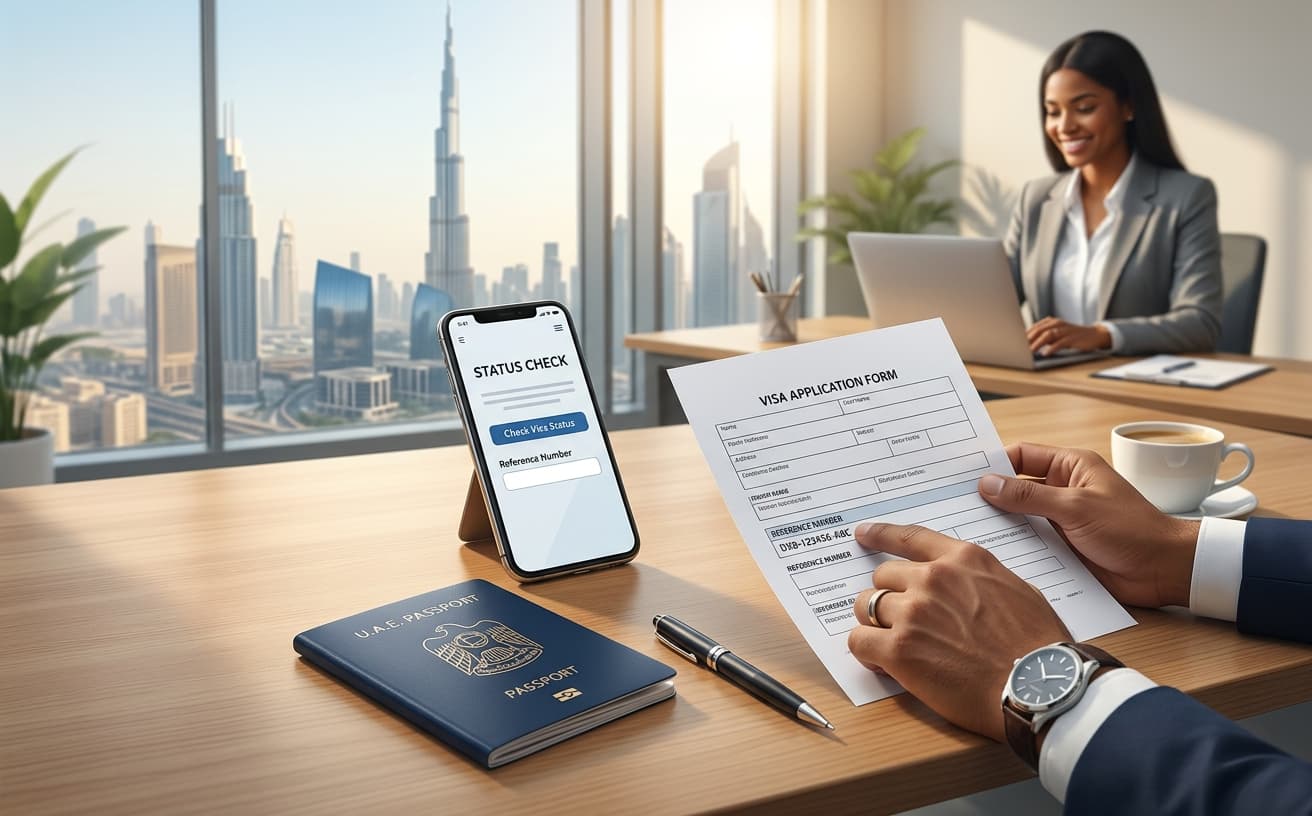
A Dubai visa status check begins with two questions: what are you trying to check, and who holds the relevant record? Your provider's order, the authority's application and the validity of an issued visa are related, but they are not the same record. Using the wrong reference in the wrong service can produce a confusing result.
Identify the kind of check you need
Use provider tracking to understand your order, documents, payments and requested actions. Use the appropriate official channel for an immigration application or issued permit. If you are unsure which authority received the application, ask the submitting provider rather than choosing by your destination city alone.
The UAE Government tracking guide directs Dubai records to GDRFA and records for the other listed emirates to ICP. Follow the authority responsible for the actual file.
Find the correct reference
Review the confirmation message and ask what each identifier represents. A payment transaction ID, an agency order reference and an official application or file number may be different. Keep them labelled instead of saving a single unexplained number.
The official service may request particular information. Enter it exactly as requested and use the corresponding document. Do not assume that a private order code will work in a government search form.
Track a Visa Dubai Express order
The Visa Dubai Express tracker asks for the private tracking code from your confirmation. Use the current instructions on that page and check the updates relevant to the individual traveller.
Keep that code private. If you contact support, provide the minimum information needed through a verified channel. Avoid posting passport copies or tracking references in public comments when asking for help.
Understand common differences in status
A confirmed payment does not mean a visa has been issued. A provider may also be waiting for a document before the authority can consider the file. Status labels differ between systems, so ask for an explanation rather than assigning a universal meaning to a word such as “processing”.
If the payment and order screens disagree, keep the receipt and ask the provider to reconcile the record. Do not assume that another payment or application will resolve the mismatch.
If the search does not find your record
- Recheck the copied reference for missing characters or spaces.
- Confirm that you selected the correct service and record type.
- Ask whether an official application reference has been issued yet.
- Identify the traveller when one order contains several people.
- Request help from the submitting provider or the authority's published support channel.
A “not found” message is not enough on its own to conclude that a visa was rejected or that a document is invalid. Establish what was searched and whether the identifiers match.
Frequently asked questions
Can I check using only my passport number?
It depends on the service. Follow its actual requested fields rather than a generic tutorial.
Why is my order paid but still processing?
Payment and application decisions are separate. Ask which stage remains and whether you must provide anything.
Can I track another person's application?
Only with their permission and the appropriate details. Treat references and documents as private information.
For your own order, open the tracker. For a question about processing expectations, read the processing-time guide. A tracking result informs your next action; it does not replace checking the final issued document.
Sources and verification
Sources checked on 5 November 2026. Recheck changing requirements before publication and travel. Practical preparation suggestions are editorial guidance, not additional government requirements.